Car Background Remover
for Dealerships
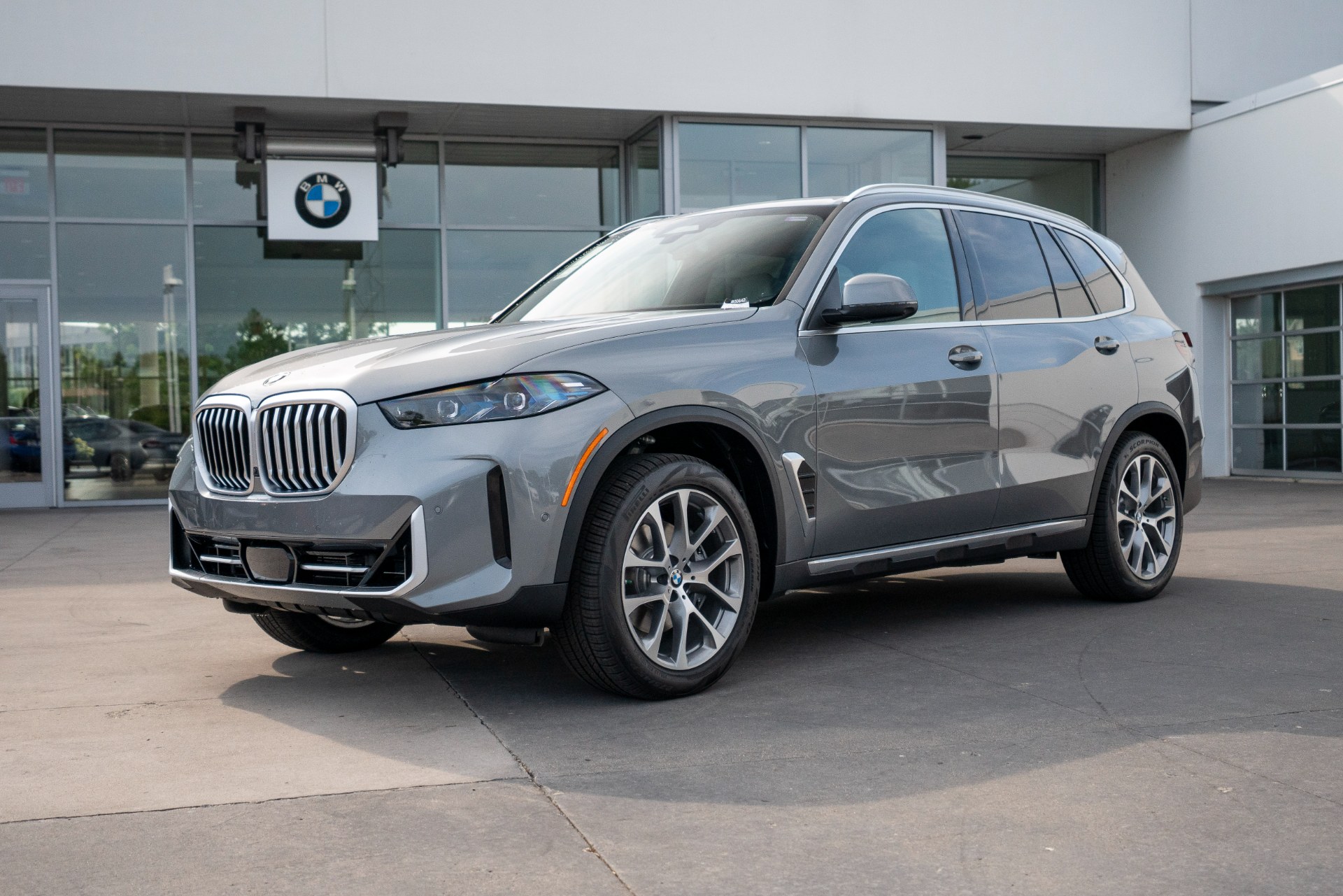
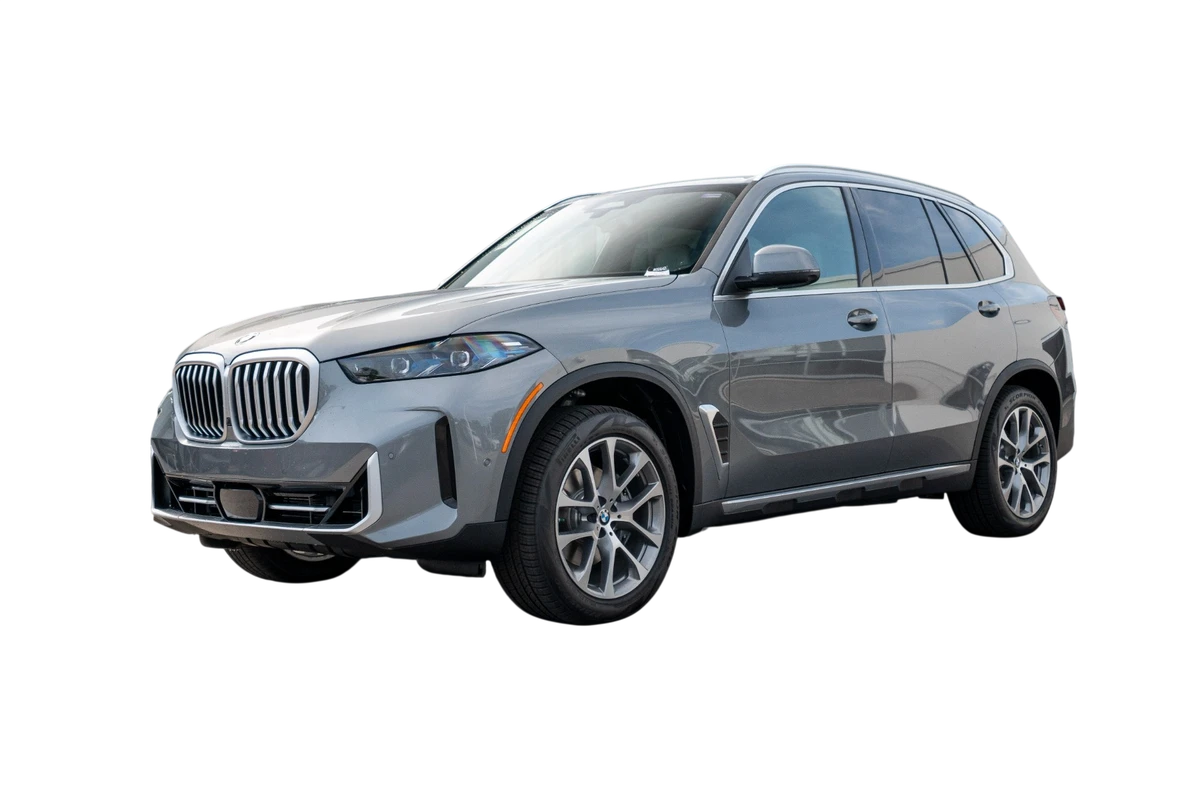
Upload a vehicle photo, remove the background, and download the result when it is ready.
Drop a vehicle photo here
JPG, PNG, or WebP up to 12MB.
No account required. Download each completed result from this session.
Choose the right dealership photo workflow
Car background removal for dealerships separates a vehicle from a distracting lot, auction, driveway, or trade-in setting so it can appear on a cleaner background. Choose a tool based on monthly photo volume, whether you already have usable still photos, and whether you need downloads or direct inventory-system publishing.
Swipe to compare every workflow.
| Workflow need | Best fit |
|---|---|
| A few background removals | Use the no-account tool for up to five downloadable results in one session. |
| Consistent still-image inventory | Use CarPixAI for existing-photo upload, dealer backgrounds, saved projects, batch processing, and downloads. |
| Direct DMS or IMS publishing | Choose an integration-led platform when automatic inventory-system publishing is required. |
| 360-degree spins or virtual tours | Choose a dedicated 360 capture platform; CarPixAI focuses on still listing photos. |
From one background removal to consistent inventory
Upload
Start with a real lot, auction, trade-in, driveway, or phone photo.
Choose the output
Download a transparent cutout or place it on a clean color background.
Build consistency
Use the full workflow for dealer backgrounds, saved projects, batch processing, and listing exports.
CarPixAI for dealer inventory
Turn the vehicle photos you already have into consistent listing images
CarPixAI helps dealerships clean up existing lot, trade-in, auction, and phone photos without a reshoot. Choose a dealer-ready background, process more inventory, and download images ready for your website, marketplaces, and ads.
- Start with the inventory images already on your lot.
- Apply a consistent background across the vehicles you choose.
- Download the output sizes you need for each listing.
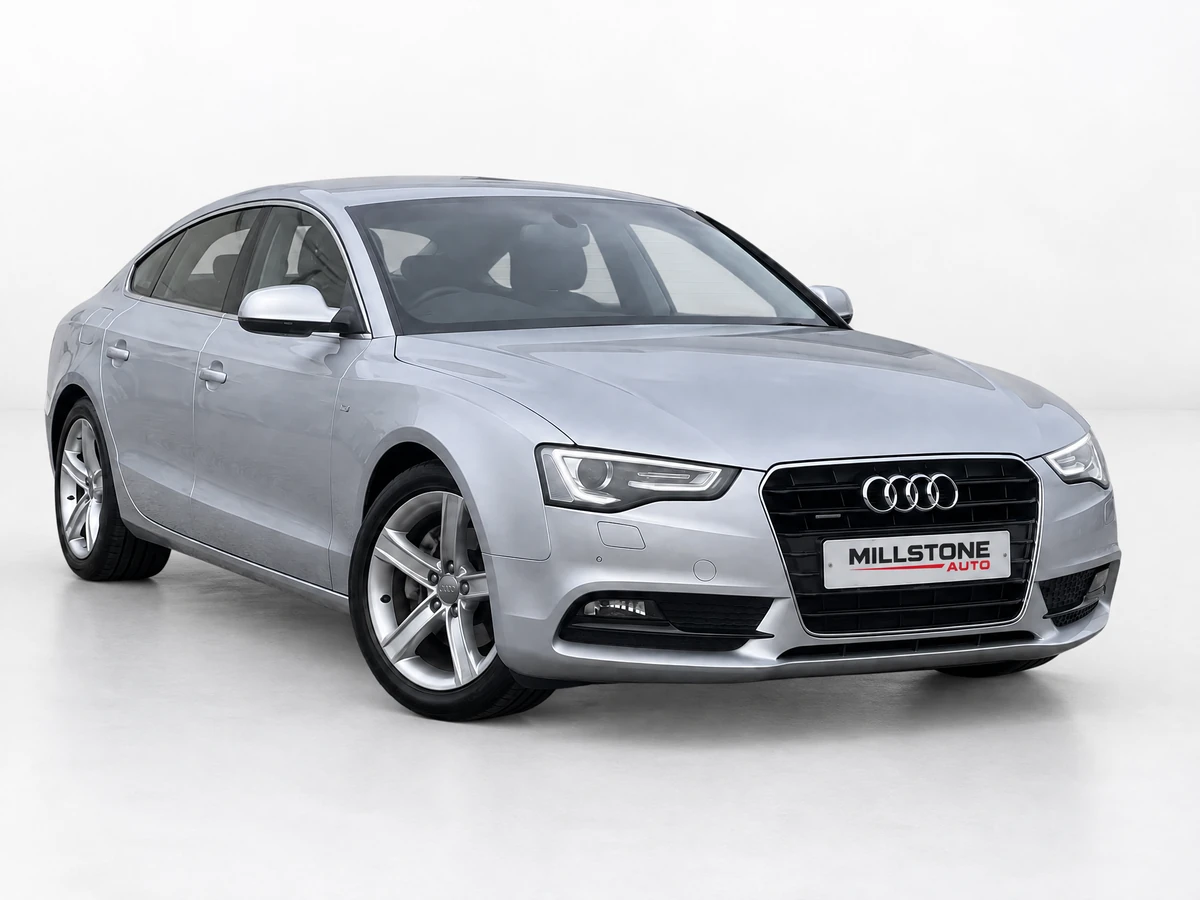
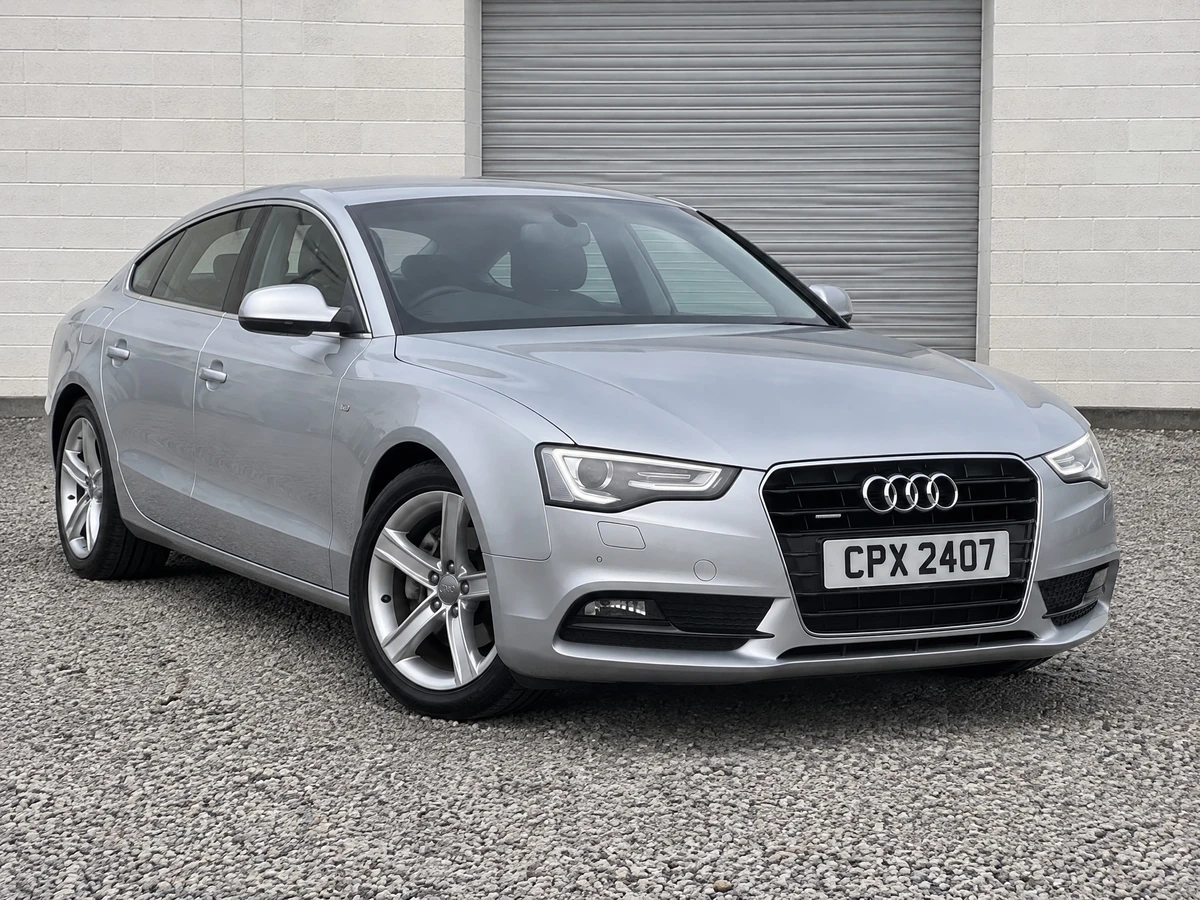
Generic background remover vs. car-specific background remover
Generic background removers are useful for simple cutouts. Dealer inventory photos are harder because the buyer still needs a believable vehicle, clean ground contact, accurate glass, and a background that fits the listing. Use this table when deciding whether a one-off cutout is enough or a complete dealership workflow is the better fit.
| Need | Generic remover | CarPixAI fit |
|---|---|---|
| One simple product cutout | Usually fine for a quick transparent PNG. | Useful, but strongest when the image is a vehicle listing photo. |
| Used car dealer inventory photo | Can clip chrome, glass, tyre edges, shadows, or wheel spokes. | Built for real lot, driveway, trade-in, auction, and dealer inventory photos. |
| Replacement background | Often stops at a cutout or generic product background. | Supports clean studio, showroom, outdoor, and dealer-ready background options. |
| Repeatable dealer workflow | Usually one image at a time with limited inventory context. | Lets dealers test photos, then move into saved projects, batch processing, and consistent exports. |
Why Automotive Background Removal Is Different
Canva, remove.bg, and Photoroom are built for products and portraits. Cars present unique challenges those tools weren't designed for.
Chrome reflections
Generic background removers can treat chrome bumpers and trim as part of the background, which may clip them, leave halos, or remove reflective details. CarPixAI is designed around dealership vehicle photos and cleaner listing presentation.
Complex wheel spokes
Alloy wheels with intricate spokes create gaps where the background shows through. A dealership-ready result should keep wheel shape believable and avoid blurry cutouts around the spokes.
Glass and windshields
Car windows partially reflect and partially transmit the background. Car-specific processing is designed to keep the glass, cabin view, pillars, and window edges visually coherent when the surrounding scene changes.
Low vehicles and ground lines
Sports cars and lowered vehicles sit close to the ground. A good car background remover should preserve the tire-to-pavement contact point and avoid a pasted-on look.
Frequently Asked Questions
What is the best car background remover for dealers?
The best car background remover for dealers should work with real inventory photos, preserve vehicle accuracy, and create clean listing images for websites, marketplaces, and ads. CarPixAI is built for dealership workflows, not generic ecommerce product photos.
Is this car background remover really free?
Yes. You can upload, process, and download up to five car photo background removals in one session without creating an account. Create an account when you need consistent dealer backgrounds, saved projects, batch processing, and a repeatable inventory workflow.
What file formats are supported?
The tool accepts JPG, PNG, and WebP images up to 12MB. It shows the processed cutout against transparent, white, black, gray, blue, or custom-color previews, then provides a downloadable image. Create an account for saved projects, dealer backgrounds, and batch inventory processing.
Does it work on dark or black cars?
Yes. Dark vehicles work best when the source photo is clear and the vehicle edges are visible. Car-specific background removal is designed to handle details such as tyres, shadows, dark wheel wells, reflective paint, and the ground contact area.
Can I use this for auction or wholesale photos?
Yes. The tool is useful for testing one auction, trade-in, or wholesale vehicle photo before moving into a repeatable inventory workflow. Keep source photos and condition proof available so the edited hero image does not replace honest vehicle documentation.
How is this different from remove.bg for cars?
remove.bg is a general-purpose background remover. Car dealership photos often need more care around chrome reflections, wheel spokes, automotive glass, shadows, and ground contact. CarPixAI is built for vehicle listing photos and dealership workflows rather than generic ecommerce images.
Should dealers use a generic background remover or a car-specific tool?
Use a generic background remover for simple one-off cutouts. Use a car-specific tool when you need automotive background replacement, consistent inventory presentation, and attention to glass, tyres, reflections, wheel spokes, and ground shadows.
What photos should not be edited?
Do not use background cleanup to hide damage, tyre wear, odometer readings, interior condition, warning lights, VIN details, or other proof buyers need. CarPixAI is best for improving the hero presentation while keeping condition and proof photos honest.
Does AI background replacement for existing lot photos mean vacant land or used-car inventory?
For CarPixAI, lot photos means used-car inventory already sitting on a dealer lot, driveway, auction lane, or trade-in stall, not vacant real-estate land, landscaping, or sky replacement. Upload the vehicle photo, replace the cluttered lot background, and keep the car unchanged.
Did CarPixAI preserve the vehicle when it replaced dealer backgrounds?
On 15 September 2026 CarPixAI tested Clean Dealer Studio on 74 used-vehicle source photos. Integrity Review completed all 74 evaluations: 72 full passes (97.3%). A full pass means vehicle material was preserved, the scene stayed consistent, and the result was postable. See https://carpixai.com/blog/used-car-photo-benchmark-report-2026.
Related dealer photo resources
If you are comparing tools, background styles, or photo booth alternatives, these pages explain when to use a free cutout tool and when a full dealer photo workflow is the better fit.
Dealer Car Photo Checklist
Plan the hero image, gallery order, condition proof, and mobile review before publishing.
Remove.bg Alternative for Car Dealership Photos
Direct comparison for dealers evaluating generic background removal versus automotive workflows.
Car Photo Background Removal Complete Guide
Practical guide to vehicle-safe background cleanup, review, and publishing discipline.
Car Listing Photo Grader
Check whether a listing photo is ready for the first position before publishing it.
Ready to Process More Inventory Photos?
Use the background remover above without an account. Open CarPixAI when you want dealer backgrounds, saved projects, batch processing, and consistent listing-ready inventory.
Continue in CarPixAIDealer backgrounds · Saved projects · Batch processing