Pro
$39/ month
150 images / month
For dealerships building a consistent workflow with real inventory photos.
- Exterior and interior photo processing
- Bulk upload and folder workflows
- Review and download processed images
A car dealership photo editor that brings your showroom standard online. Give your whole inventory a professional, consistent look.
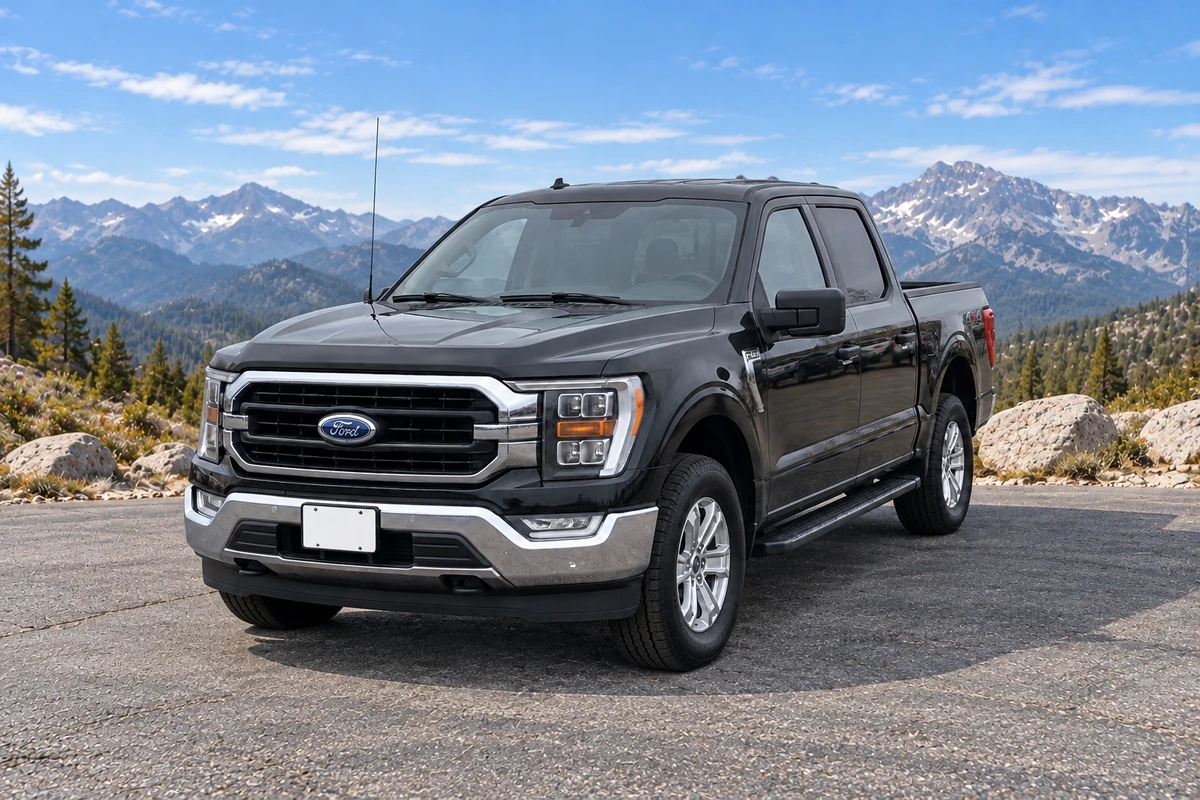
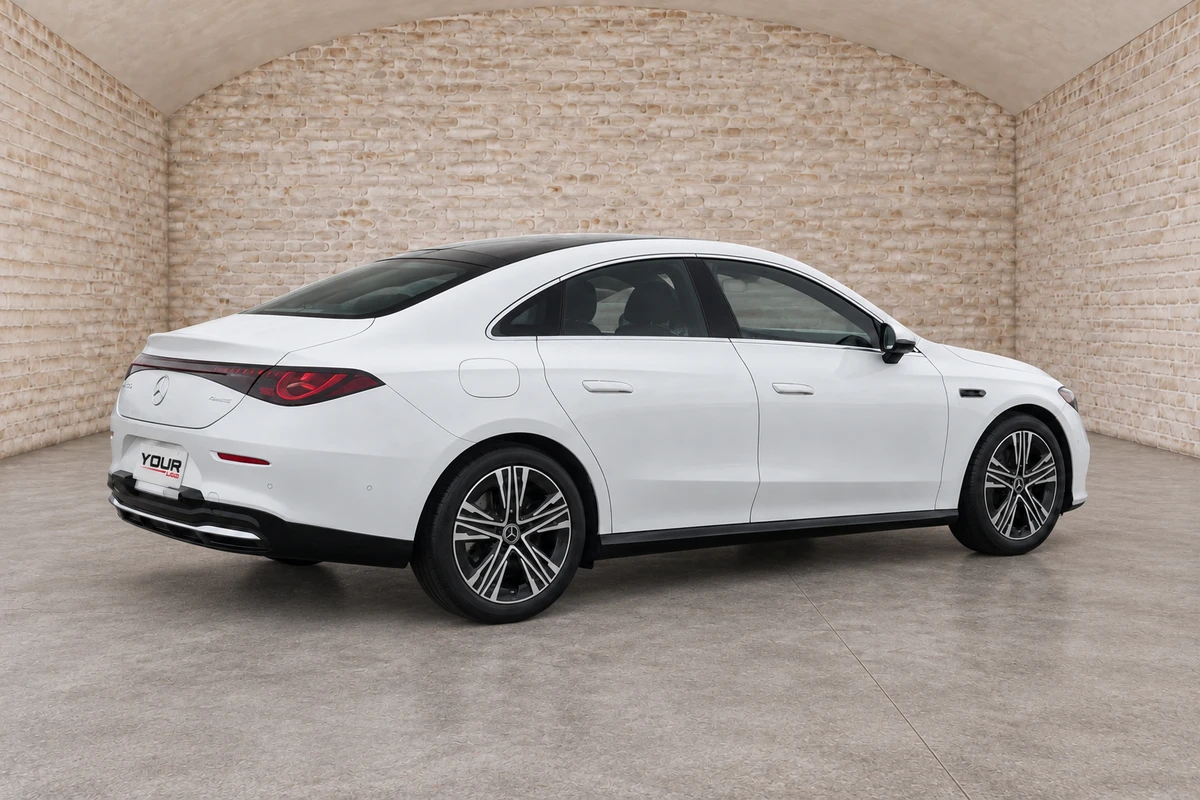
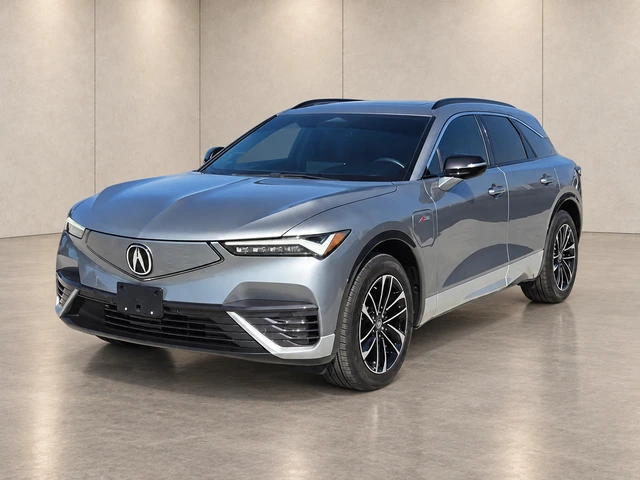
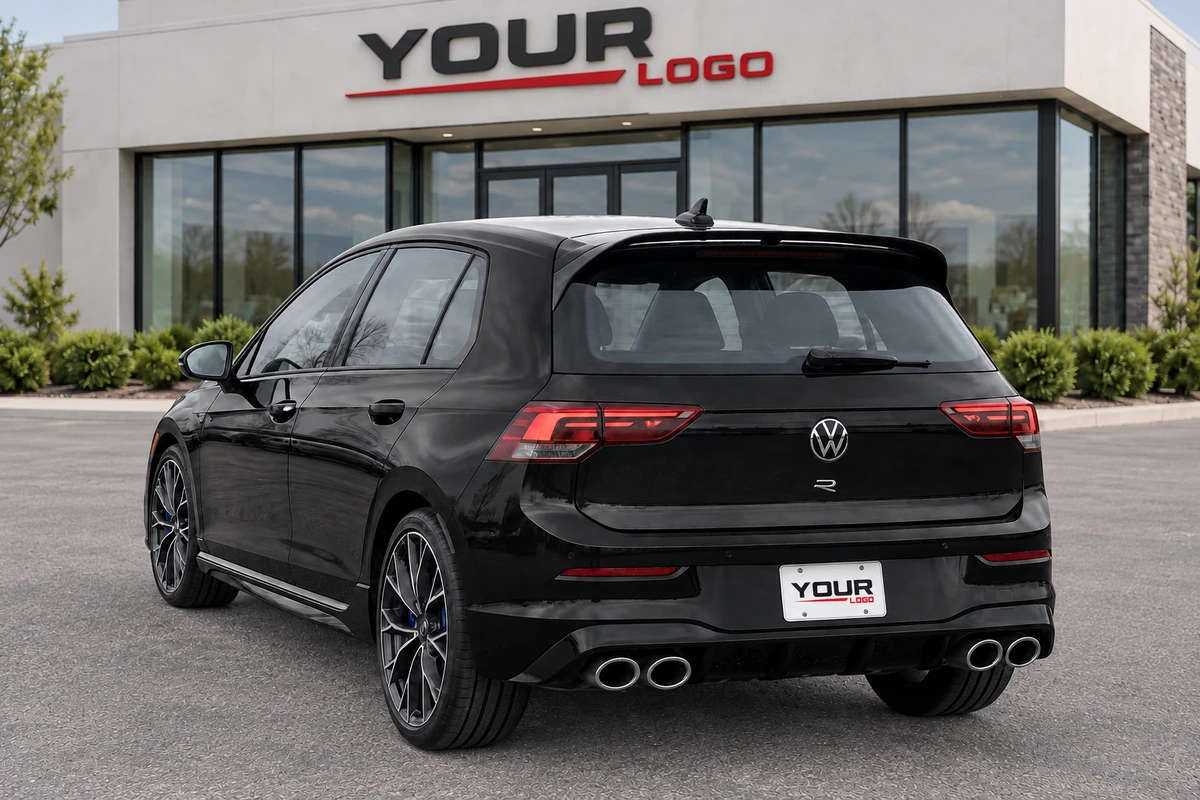
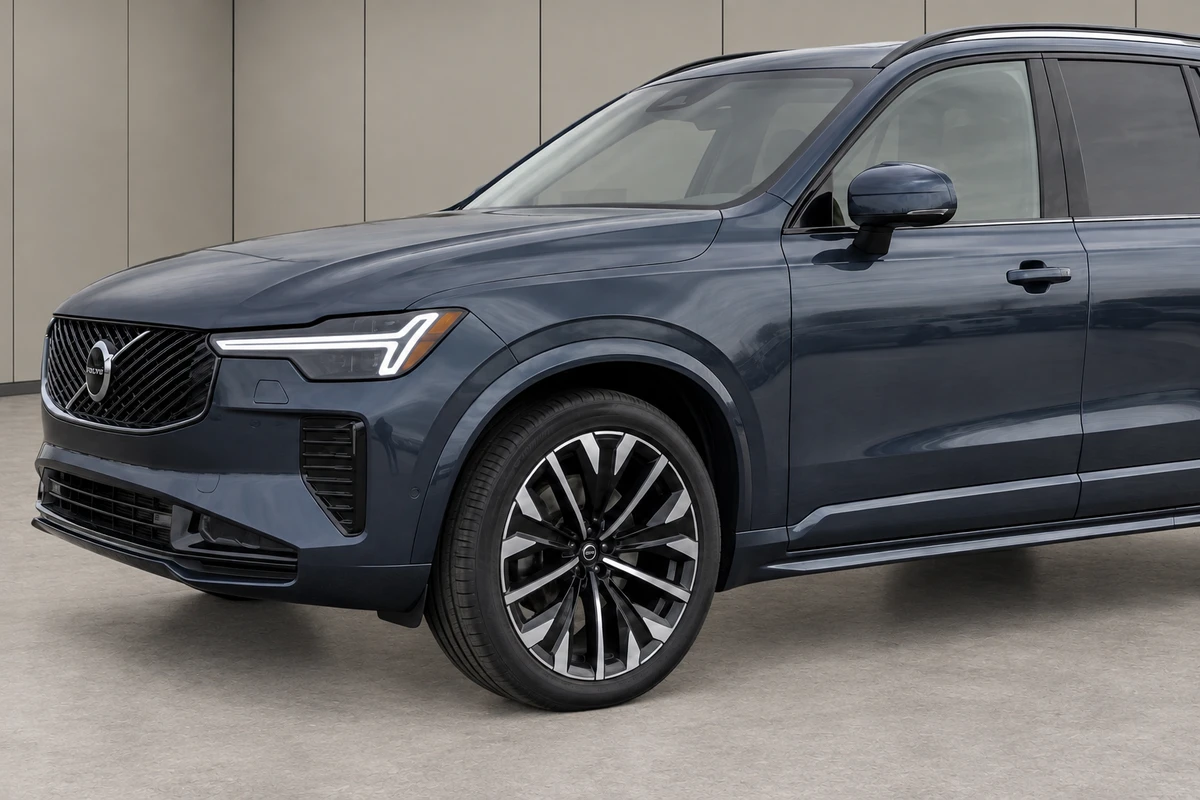
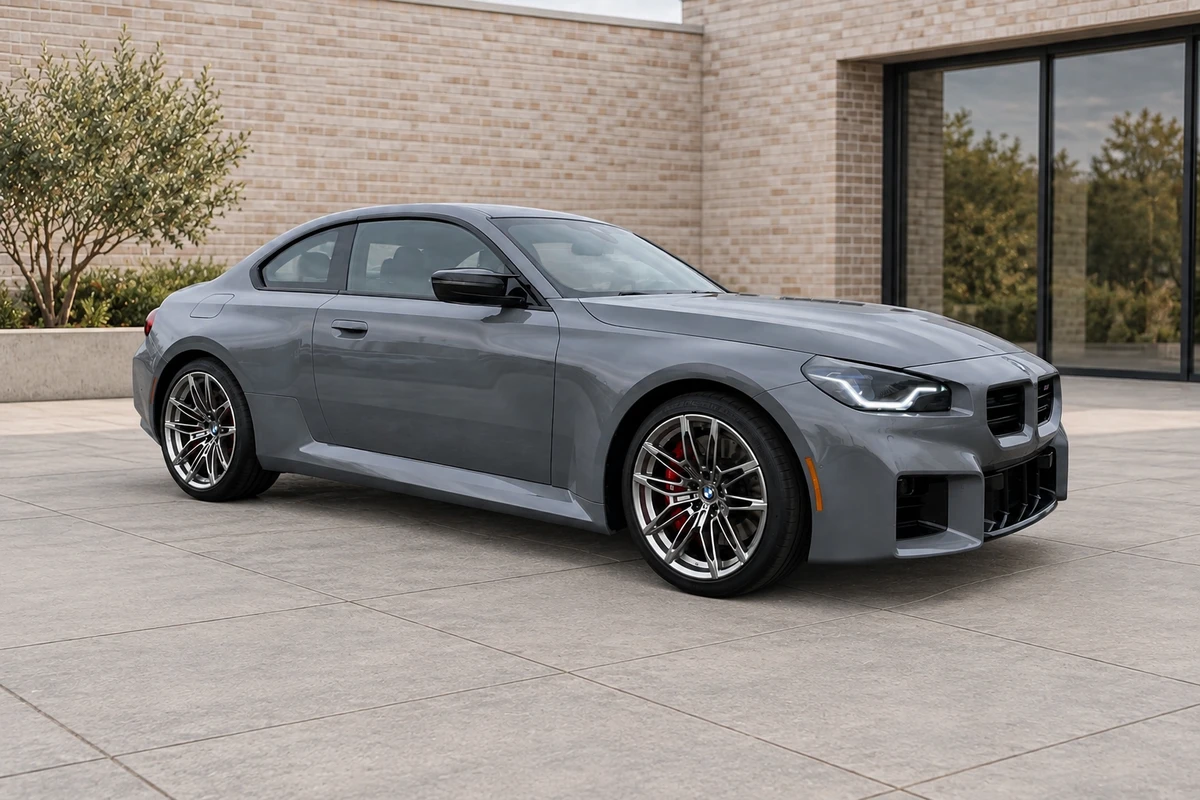
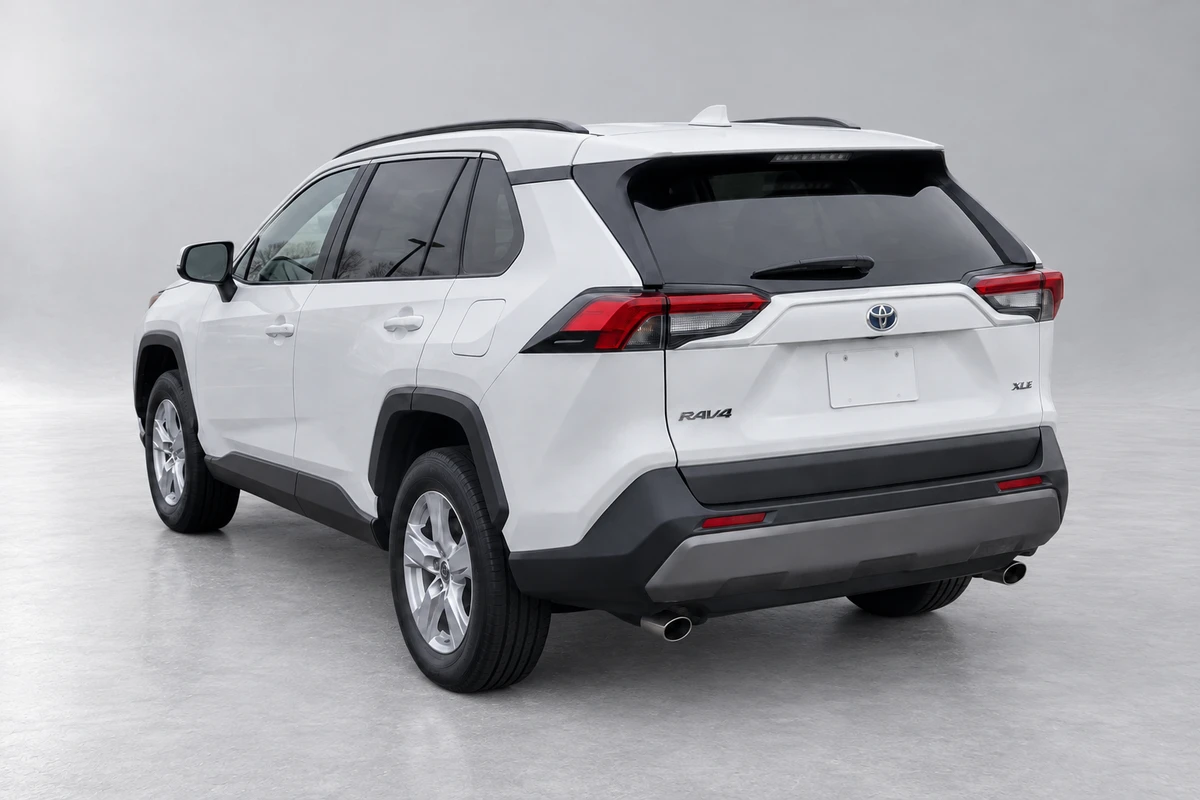
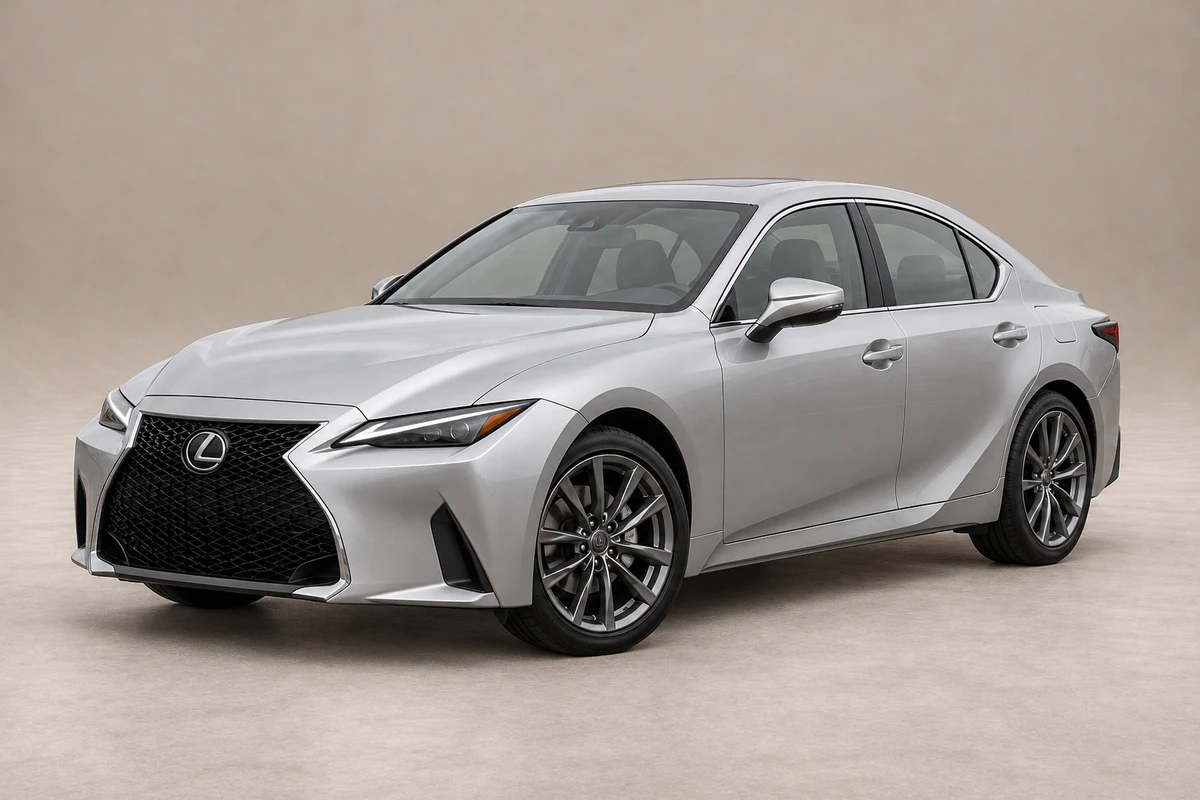
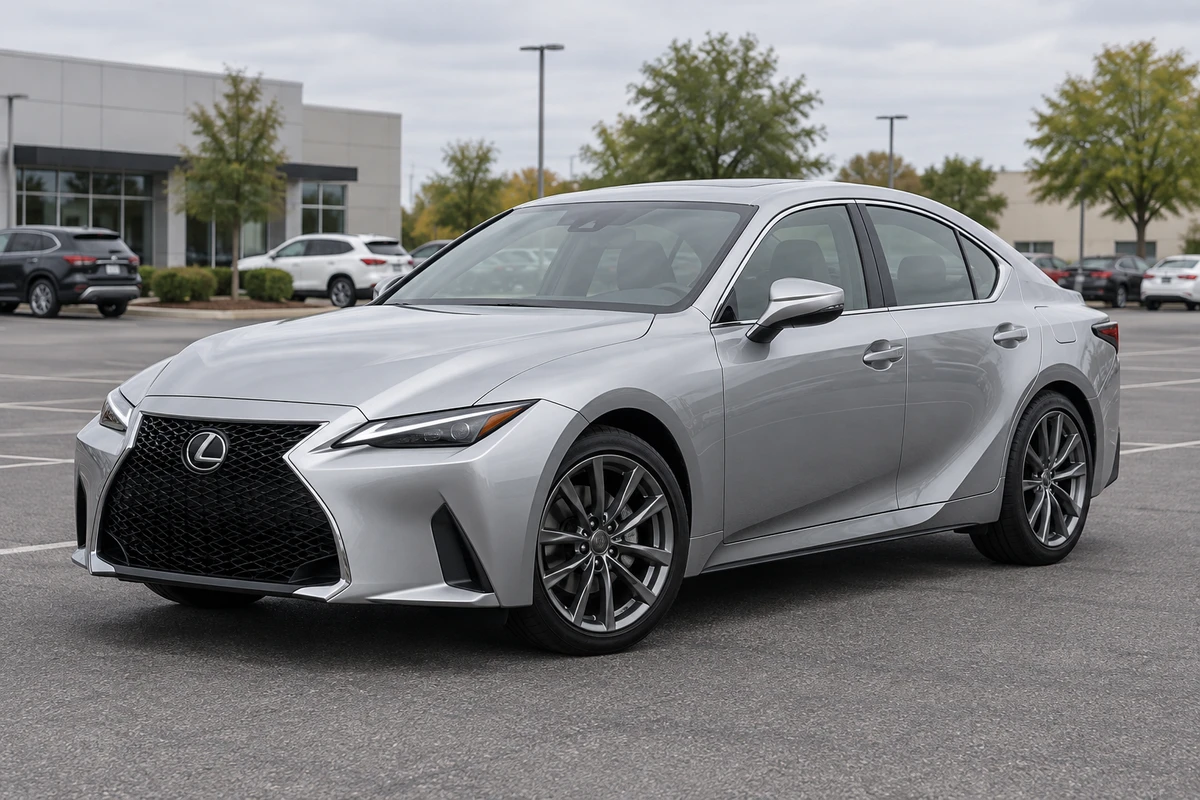
Snap your vehicle on your phone, or upload existing inventory photos.
Pick a studio or dealership setting that fits your inventory.
Download your approved photos, then upload them to your website or vehicle listings.
Upload your vehicle photos and choose a background. Confirm your email, then process them in your dashboard.
Work through photos in the dashboard, return to vehicle folders, and check each result before you use it.
Use the REST API to bring photo processing into your software, or MCP to let an approved AI assistant work with the same dealership-scoped photo workflow.
API and MCP access is included with active Business and Growth plans. These connections do not publish directly to a DMS or marketplace.
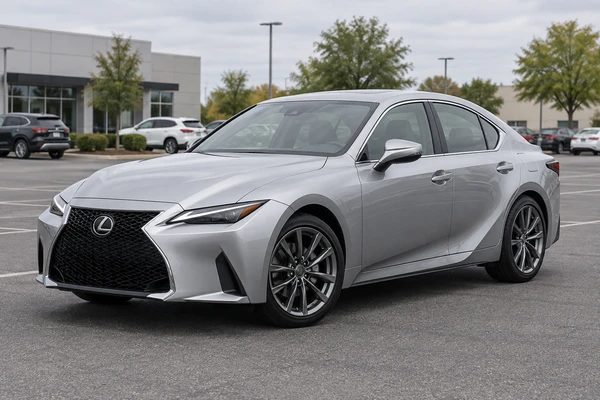
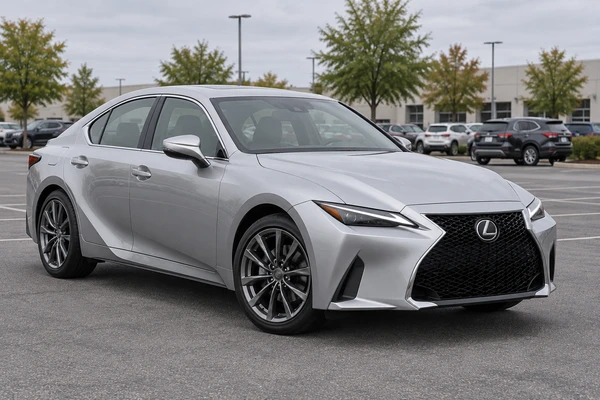
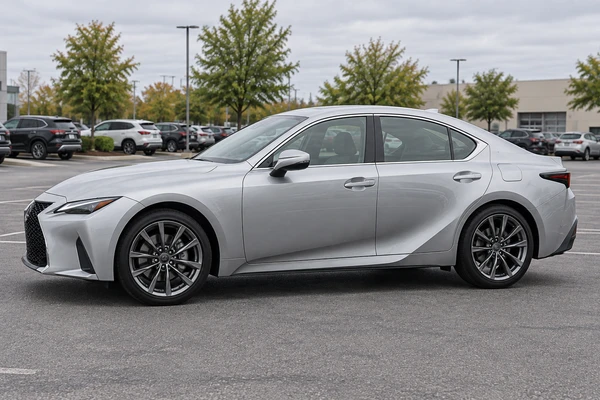
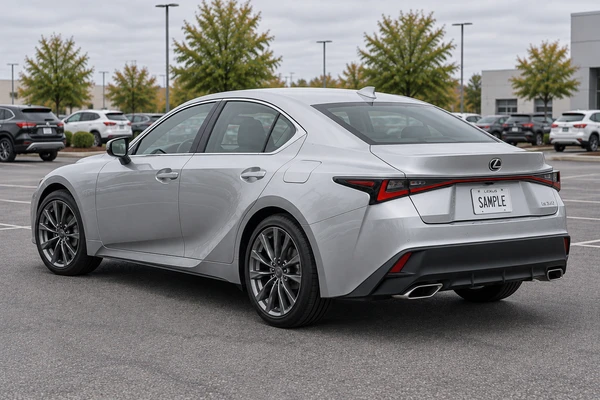
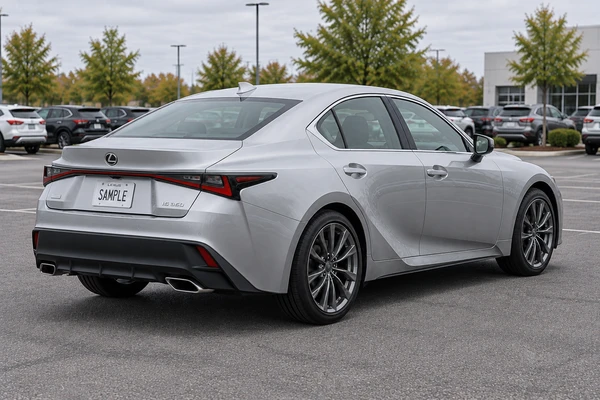
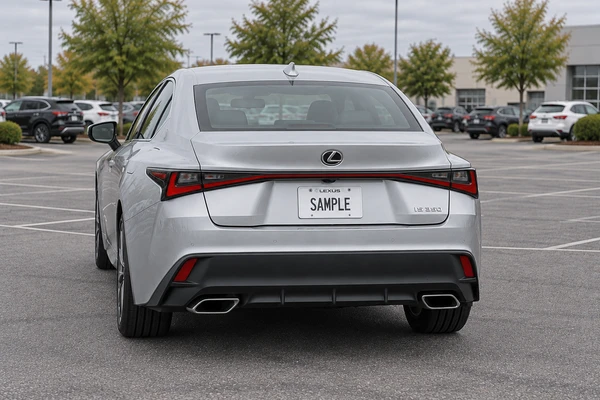
Take photos or bring in the ones you already have. Upload them together from your phone, tablet or desktop.
Photos & batch uploads
Take a new photo, or choose saved lot, auction or listing photos.
Select a group of photos together, or bring in a full folder on desktop.
Work in your browser wherever you are—no separate app to install.
Choose a shared studio or dealership scene, adjust supported finishes and colors, and reuse your setup across inventory.
Add your logo to supported scene walls, dealership fronts and dealer plates, so the car looks photographed at your business.
Put your dealership logo on a supported dealer plate, or keep the original plate or leave it blank.
Choose a photo format and supported framing to fit where you list.
Add corner logos, banners, flags, prices and financing text after processing. Keep the clean result separately.
Bring your finished photos together in a consistent, polished set, ready for your website and marketplaces.
Monthly USD plans for dealerships and professional automotive sellers. Start free, then choose the photo volume your inventory needs.
$39/ month
150 images / month
For dealerships building a consistent workflow with real inventory photos.
$99/ month
500 images / month
For active dealers updating inventory every week.
$179/ month
1,000 images / month
For full-lot photo cleanup and higher-volume inventory turns.
10 images every month to try CarPixAI on your own vehicle photos.
An AI car photo editor for dealerships turns vehicle photos into cleaner, more consistent listing images. CarPixAI helps independent dealers improve inventory presentation with dealership backgrounds, exterior and interior photo support, branding options, and downloadable images for websites, marketplaces, social posts, and ads.
Take a phone photo or upload a lot, auction, or trade-in image, choose a dealership background, process it, and download the finished result. Dealers can use the same workflow across inventory to create a more consistent presentation.
Yes. CarPixAI is designed to improve the presentation around the vehicle while preserving the real car. Paint, trim, wheels, glass, badges, accessories, proportions, visible damage, and condition should remain accurate so the finished image represents the same vehicle in a cleaner dealership setting.
Yes. On a supported mobile browser, tap Take Photo to open your phone camera, or select photos from your device. You can also import an inventory folder on desktop. CarPixAI runs in the browser, so no separate capture app is required.
Yes. Dealerships can upload, process, and download larger groups of inventory photos from one workflow. This helps keep backgrounds, output sizes, branding, and listing presentation consistent across multiple vehicles.
Yes. CarPixAI supports exterior inventory photos as well as cabin, dashboard, seat, cargo-area, garage, and covered-bay images, so dealerships can prepare a more consistent photo set for each listing.
You can choose the background style and output size, apply a dealership logo, and select how the license plate should appear. The workflow is built to improve presentation while keeping the vehicle itself recognizable and accurate.
Use finished images on dealership websites, vehicle detail pages, online marketplaces, social posts, and ads. Available output sizes include original, square, wide, and vertical formats for different listing channels.
Yes. The Free plan includes 10 images each month and does not require a credit card. Start with a real inventory image, choose a background, and see the finished workflow before selecting a monthly plan.
CarPixAI is for dealerships photographing vehicles on the lot or preparing inventory photos at a desk, from independent stores to teams processing photos every week. Choose it when consistent backgrounds, vehicle accuracy, review, and listing-ready downloads matter.
Business and Growth plans include photo-processing REST API and MCP access. Dealers can also upload and export through the browser. CarPixAI does not currently publish images directly to a DMS or listing feed.
Real processed examples above; no sales outcome is claimed by this study.